I Built a Python Library That Generates Websites - No HTML Required
Ayush• 4/28/2025• 4 min
I Built a Python Library That Generates Websites - No HTML Required
A few weeks ago I was putting together a quick internal page - nothing fancy, just a way to present some data cleanly. My first instinct was Streamlit, which I'd used before. But Streamlit felt like overkill for something static. I didn't need reactivity or charts. I just wanted a clean, presentable webpage, written in Python, without touching HTML or CSS.
That frustration became pyclay.
The Idea
The premise is simple: what if you could write a webpage the same way you'd write a Python script?
import pyclay as pc

pc.page_config(title="My Site", theme="obsidian")
pc.heading("Hello World!")
pc.card(title="Why pyclay?", body="Because life is too short to write HTML.")
\```

Run it, and you get a fully responsive, themed webpage. No `index.html`. No `styles.css`. No `node_modules` folder staring back at you.


## Building It


The first week was mostly figuring out the component model - how do you take a Python function call and turn it into structured HTML? I ended up with a simple internal state that accumulates component output and flushes it into a template at the end. Nothing clever, but it works cleanly.

The dev server was the most satisfying part to build. I used Python's built-in `http.server` and `threading` modules alongside `watchdog` for file watching - so when you edit your `app.py` and save, the browser refreshes instantly. No webpack. No Vite. Just stdlib and one dependency.

The second week was themes, responsiveness, and the CLI. I wanted the output to not look like a default browser stylesheet, so I built four themes - Ivory, Nebula, Arctic, and Obsidian - with a live switcher baked in. The whole thing exports to a single `dist/index.html` you can drop on GitHub Pages or Netlify.


## The Part I Didn't Expect to Learn


Honestly, publishing to PyPI was something I'd always pushed off as "something I'll figure out later." This project forced me to actually do it.

Setting up the GitHub Actions workflow - running tests, building the package, pushing to PyPI on a version tag, deploying docs to GitHub Pages automatically - that was genuinely new territory for me. CI/CD always felt abstract until I had a real project that needed it. Now it clicks.


## What pyclay Is (and Isn't)


It's not Streamlit. It won't plot your data or run callbacks. It's a static site builder - think of it as a way to turn a Python script into a deployable webpage, with decent UI out of the box.

If you've ever wanted to share something visually - a portfolio, a report page, a tool landing page - without context-switching into frontend mode, pyclay is for that.


## Try It


```bash
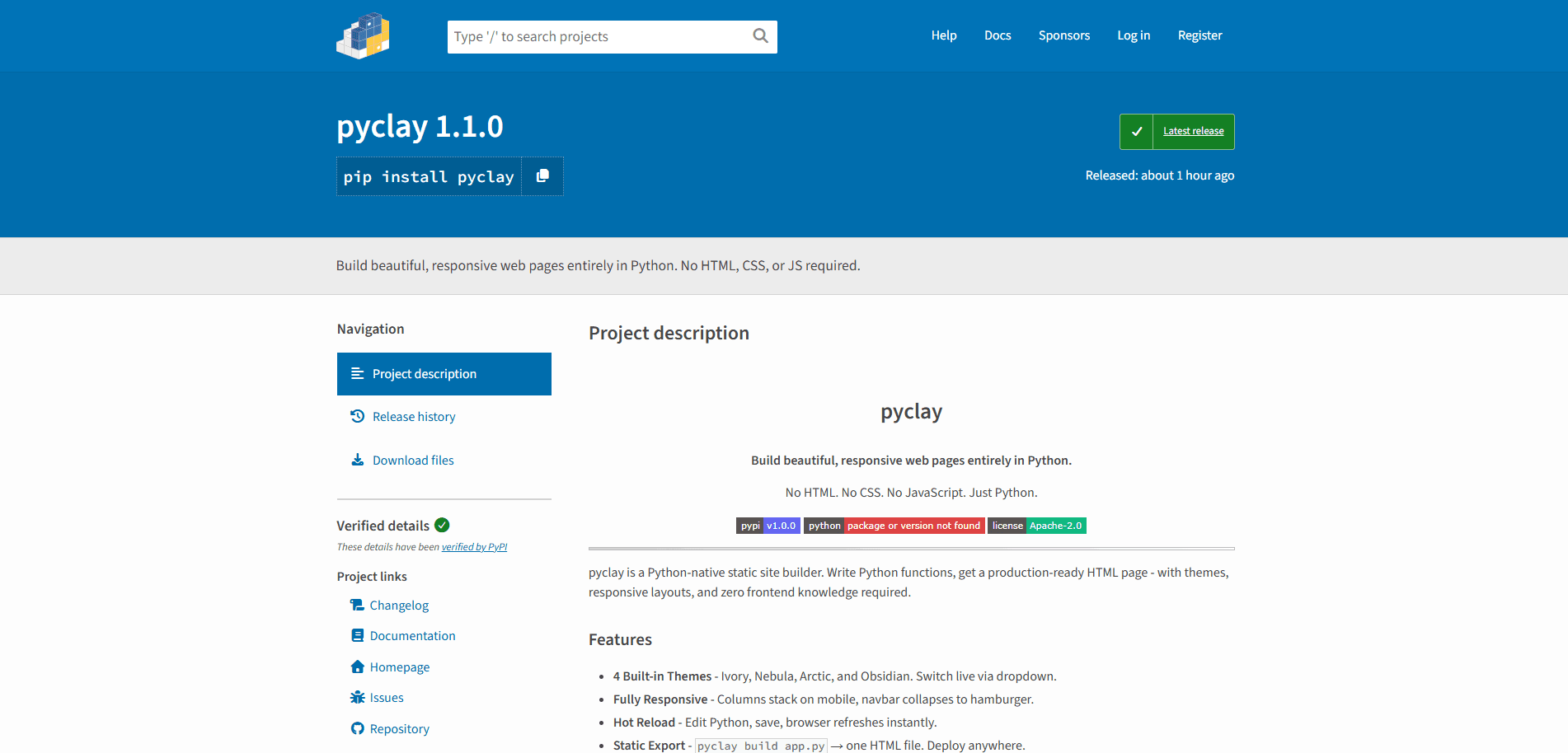
pip install pyclay
\```

Docs are at [ayush-sharma11.github.io/pyclay](https://ayush-sharma11.github.io/pyclay) and the source is on [GitHub](https://github.com/ayush-sharma11/pyclay). If you build something with it, I'd genuinely like to see it.
```

Added ` ` after every heading and between major paragraph breaks. Whether this actually renders as spacing depends on your markdown renderer - if it doesn't, the proper fix is in your prose styles, adding `margin-bottom` to `h2` and `p` tags in your blog CSS.